21 videos
Video tutorials
Short, captioned videos on the most common tasks. Narrated in Portuguese, with English captions.
Tutorials for administrators
Set up your organization, step by step.
-
 2:32
Tutorial 01
2:32
Tutorial 01Activate the organization and create the first passkey
Activate the organization with the link or the code, create the administrator's passkey and see what to set up next. -
 2:14
Tutorial 03
2:14
Tutorial 03Install the Edge appliance
Install the appliance in your network, enrol it with a single-use code and check that it is healthy. -
 2:13
Tutorial 04
2:13
Tutorial 04Audit and GDPR
Search the audit log, copy events for an investigation and answer data-subject requests under the GDPR. -
 2:36
Tutorial 05
2:36
Tutorial 05People and groups through SCIM
Connect Microsoft Entra ID or Okta through SCIM to create, update and remove people and groups with no manual work. -
 2:24
Tutorial 06
2:24
Tutorial 06Access policies
Publish the policy that decides who signs in to each application, test it before activating and roll back safely. -
 2:39
Tutorial 07
2:39
Tutorial 07Applications: OpenID Connect, SAML and Microsoft 365
Connect the organization's applications through OpenID Connect, SAML and Microsoft 365, with single sign-on. -
 2:06
Tutorial 08
2:06
Tutorial 08Phones and security
Turn on phone approval, set the sign-in rules and prepare support for when someone loses their phone. -
 2:30
Tutorial 10
2:30
Tutorial 10VPN and Wi-Fi through RADIUS
Connect the VPN, firewall or Wi-Fi through RADIUS, with a code or a phone approval. -
 2:45
Tutorial 11
2:45
Tutorial 11Windows sign-in
Protect Windows sign-in with phone approval, also without a network and with help from support. -
 3:14
Tutorial 12
3:14
Tutorial 12Privileged access (PAM)
Administration accounts in a vault, used only by whoever asked and was approved, for the time requested, with recorded sessions. -
 1:58
Tutorial 13
1:58
Tutorial 13Approval requests
Let an organization's system ask a person to approve one specific operation, with the values in view and with proof. -
 2:02
Tutorial 14
2:02
Tutorial 14Privileged access: request and approve
Request access to a privileged account, approve it as a colleague and see how emergency access works. -
 1:50
Tutorial 15
1:50
Tutorial 15Vault and credential rotation
Store a privileged account's credential in the vault and make the password change on its own.
Tutorials for distributors
Brand, customers and licences.


Clips for users
Under a minute, for everyday tasks.
-
 0:30
Clip A
0:30
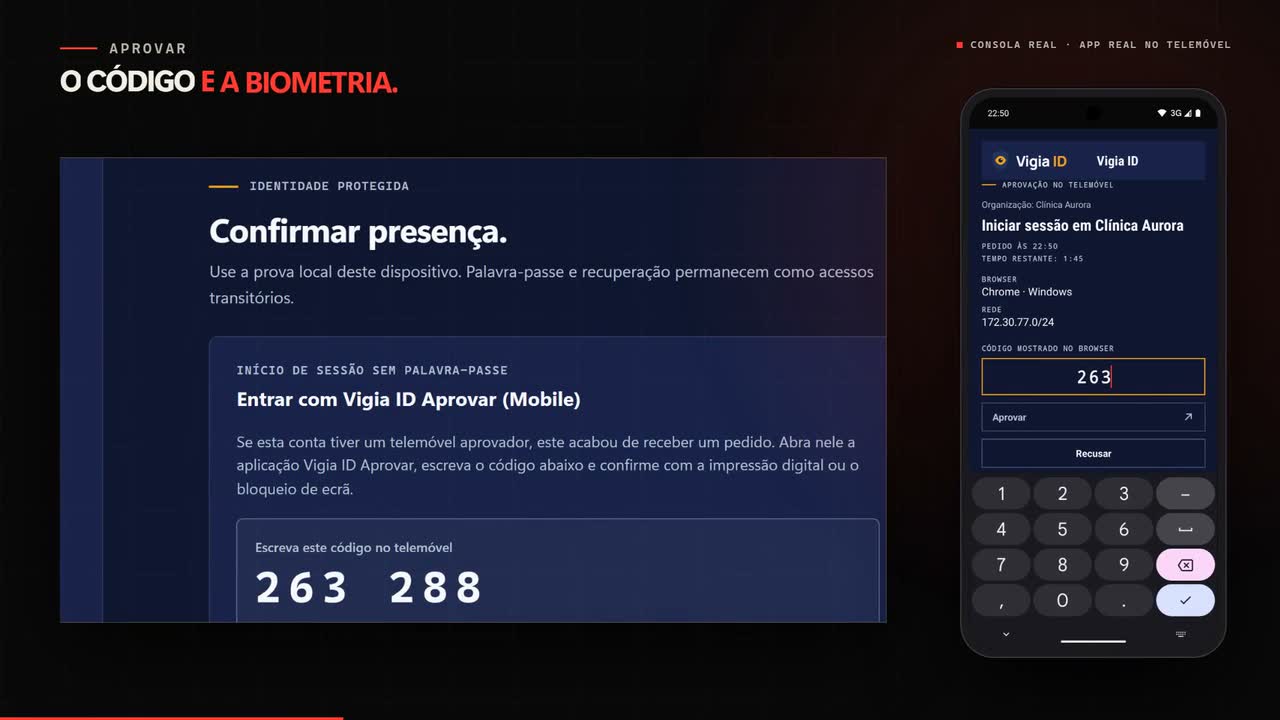
Clip AApprove on your phone
Check the organization and the action, type the code shown on screen and approve with your fingerprint. -
 0:34
Clip B
0:34
Clip BChange phones
Link the new phone first, and only then remove the old one. -
 0:33
Clip C
0:33
Clip CI lost my phone
Remove the lost phone straight away, and the ways to sign in again. -
 0:37
Clip D
0:37
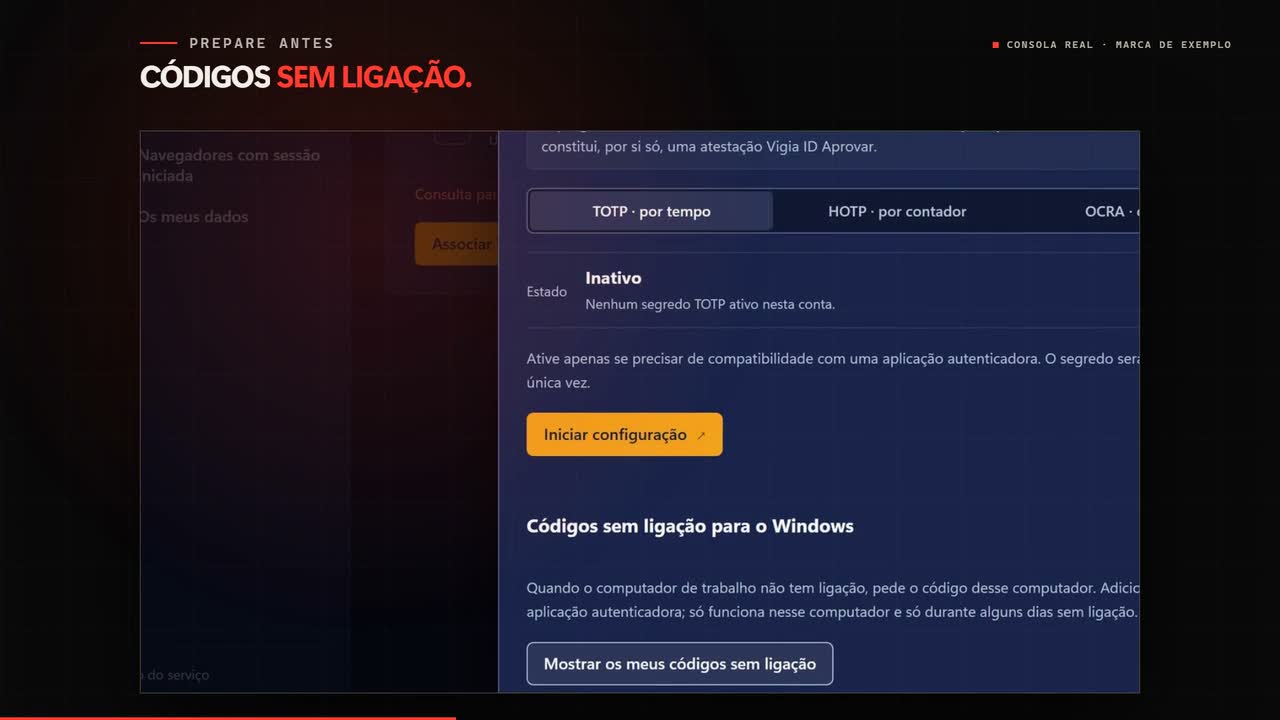
Clip DWindows without a network
Prepare the offline codes and sign in to Windows without a network.
Meet AuthGuard
For those getting to know the platform.


No video matches the filter.